
You know you need graphics for your business. You also know that opening Canva makes you want to close your laptop.
You’re not alone. And honestly? It’s not you. Most Canva tutorials are made by people who’ve forgotten what it feels like to stare at a blank canvas with absolutely no idea where to start. They skip the basics, throw around terms like “brand kit” and “magic resize” like everyone should know what those mean, and move at a pace that leaves you three clicks behind.
This course is different. I built it specifically for people who’d describe themselves as “not techy”, “not creative”, or maybe both. People who’ve been running a business for years and are brilliant at what they do, but feel a bit left behind when it comes to making things look good online.
What’s inside
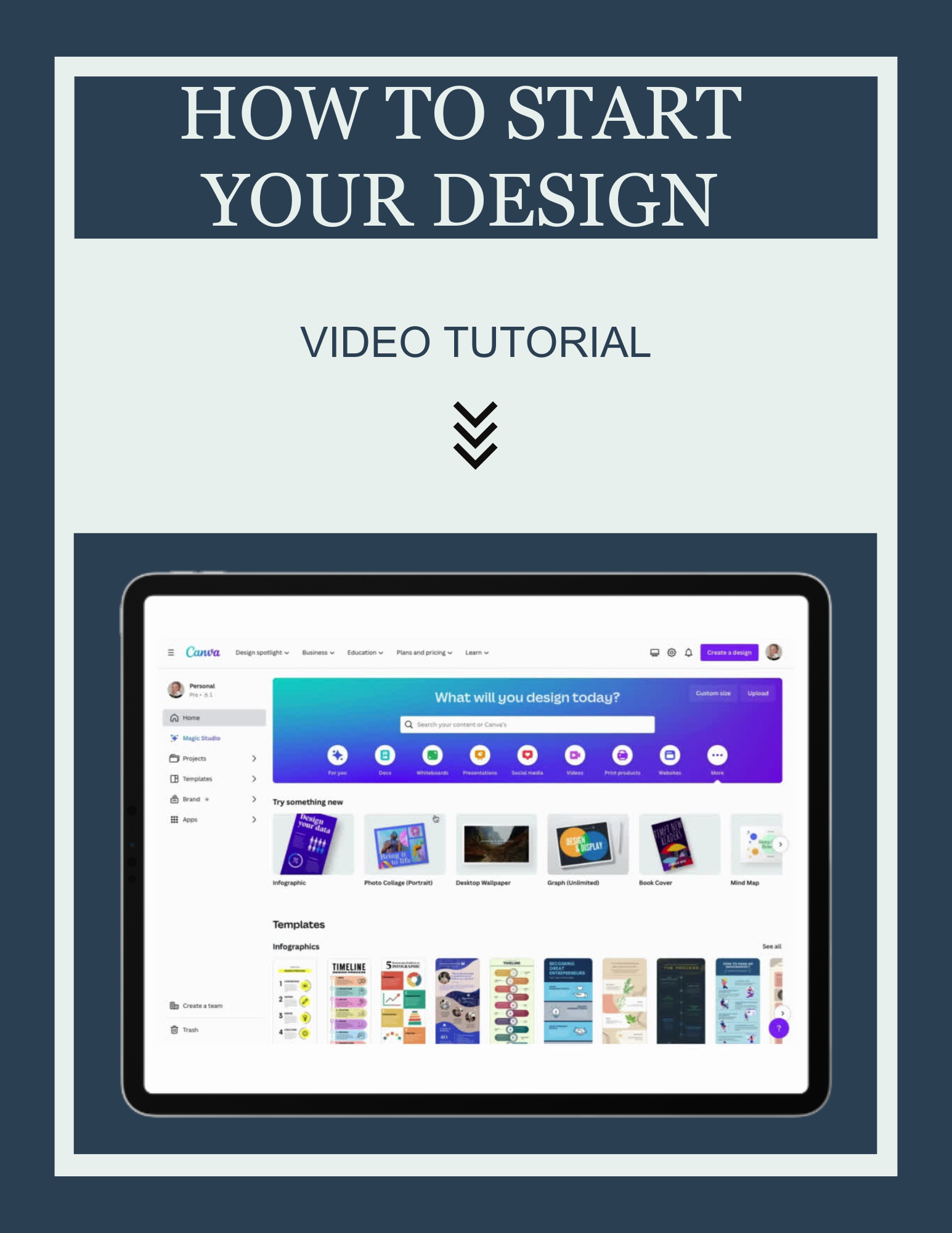
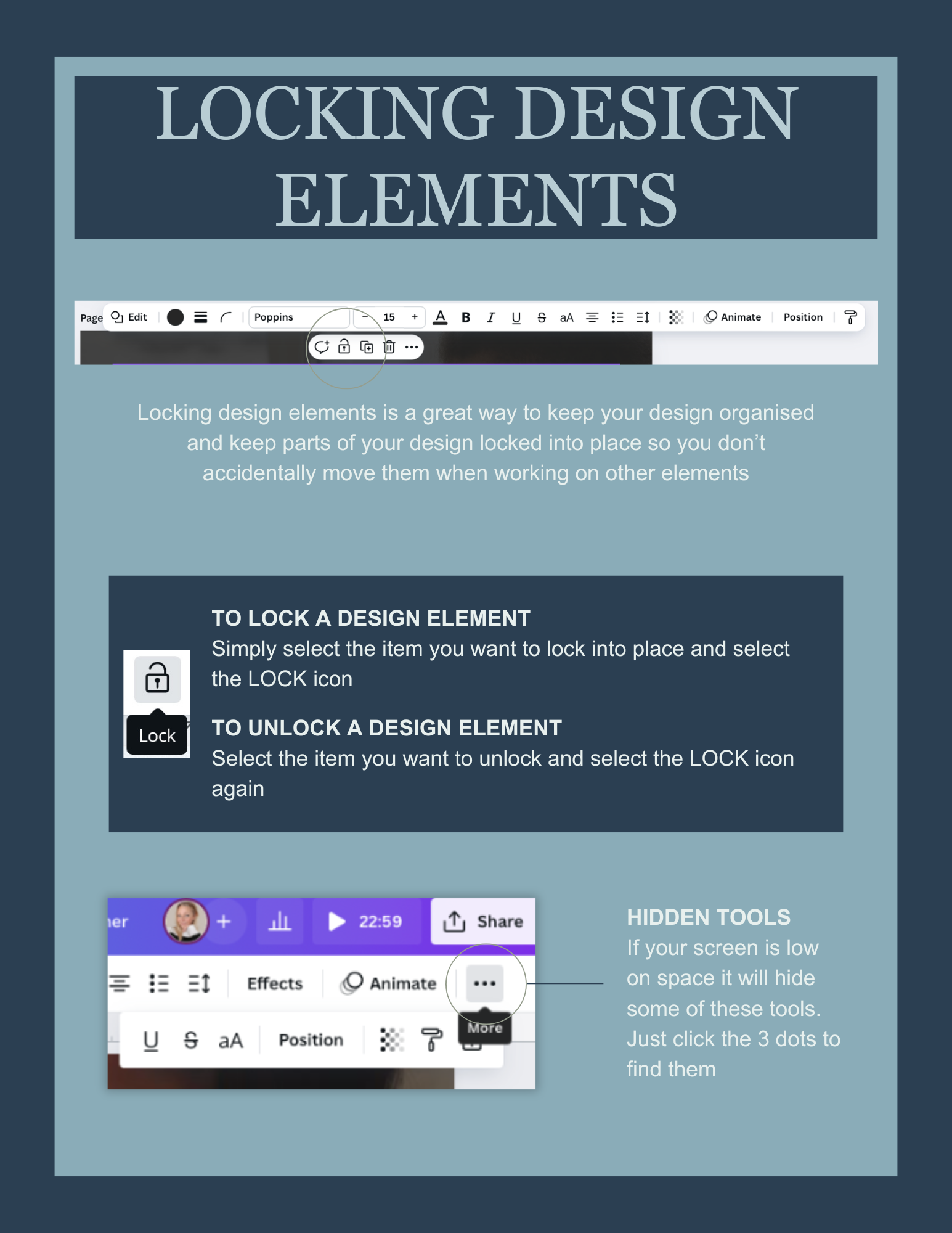
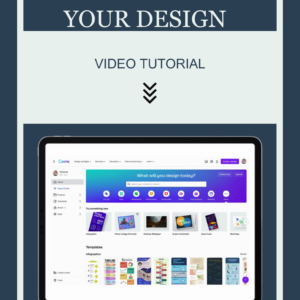
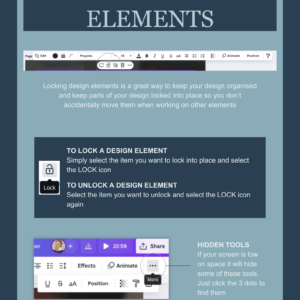
8 short, self-paced modules that walk you through Canva step by step. Each one is focused on one thing, so you’re never trying to absorb too much at once. You’ll cover navigating the dashboard, choosing the right template, working with text and images, using your brand colours consistently, creating social media posts, and saving and sharing your finished designs.
Who this is for
Small business owners and sole traders who’ve been putting off learning Canva because it feels like something other people find easy but they don’t. Maybe you’ve opened it once or twice, got frustrated, and gone back to asking someone else to do it. Maybe you’ve never opened it at all. Either way, this is your starting point.
What you’ll walk away with
The confidence to open Canva without that sinking feeling. The ability to create professional-looking social media graphics, simple flyers, and branded documents on your own. And, to be honest, probably a quiet sense of satisfaction that you finally got round to it.
How it works
You get instant access after purchase. Work through the modules at your own pace, on your own schedule. There’s no time limit and no expiry. Come back to any module whenever you need a refresher.
Reviews
There are no reviews yet.